Scan your shelf with your iPhone to add your games
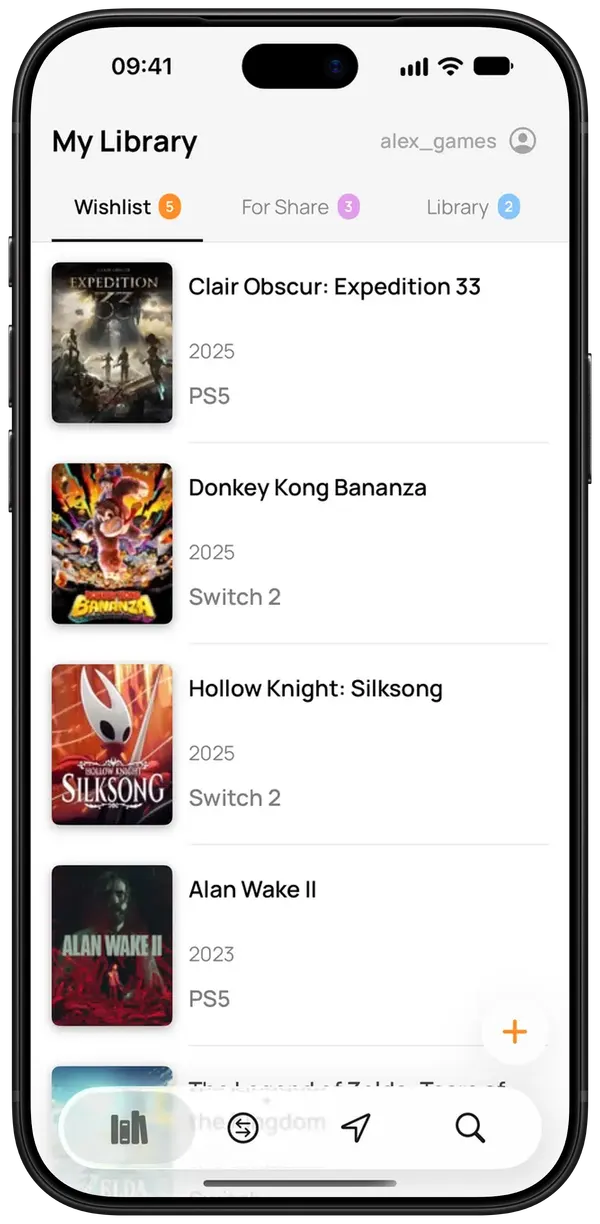
Every game sits in one of three places: in library, up for swap, or wishlisted. Mark the ones you want to part with as up for swap — only those get offered to other gamers.
 PlayShare Swap
Exchange physical video games with people near you. Or sell them for a bit of cash. Or use the website to browse nearby games without installing anything.
And retro: PlayStation 1–3, PSP, PS Vita, Xbox 360, the original Xbox, Wii U, Wii, GameCube, Nintendo 64, 3DS, DS, Game Boy, Game Gear, NES, SNES, Sega Master System, Sega Genesis, Sega Saturn and Dreamcast.
Every game sits in one of three places: in library, up for swap, or wishlisted. Mark the ones you want to part with as up for swap — only those get offered to other gamers.
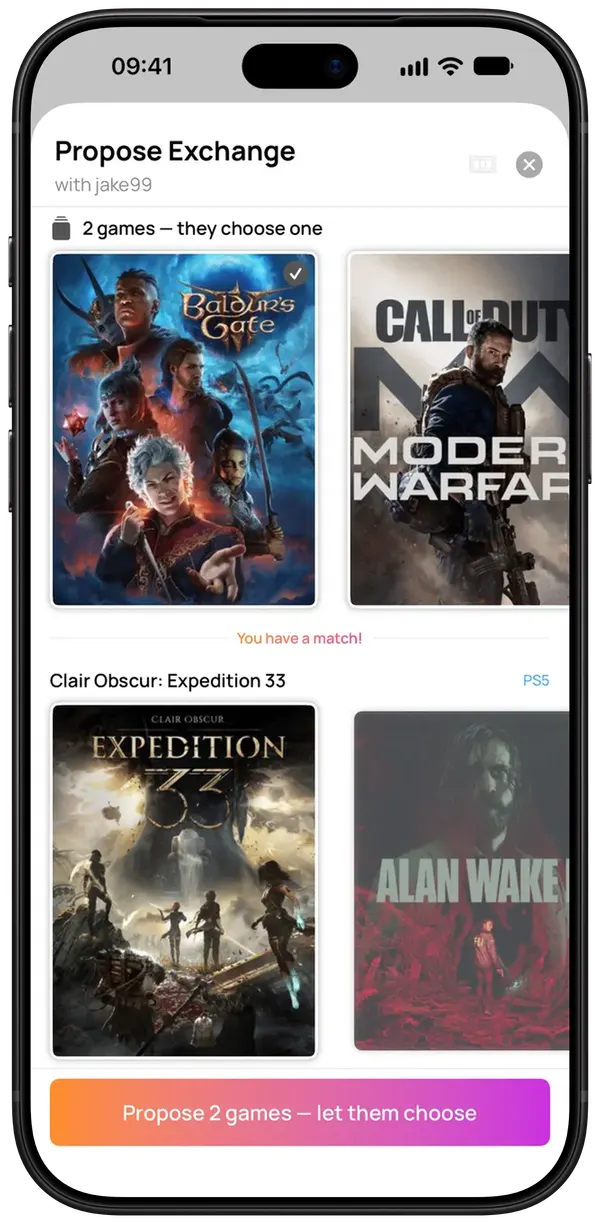
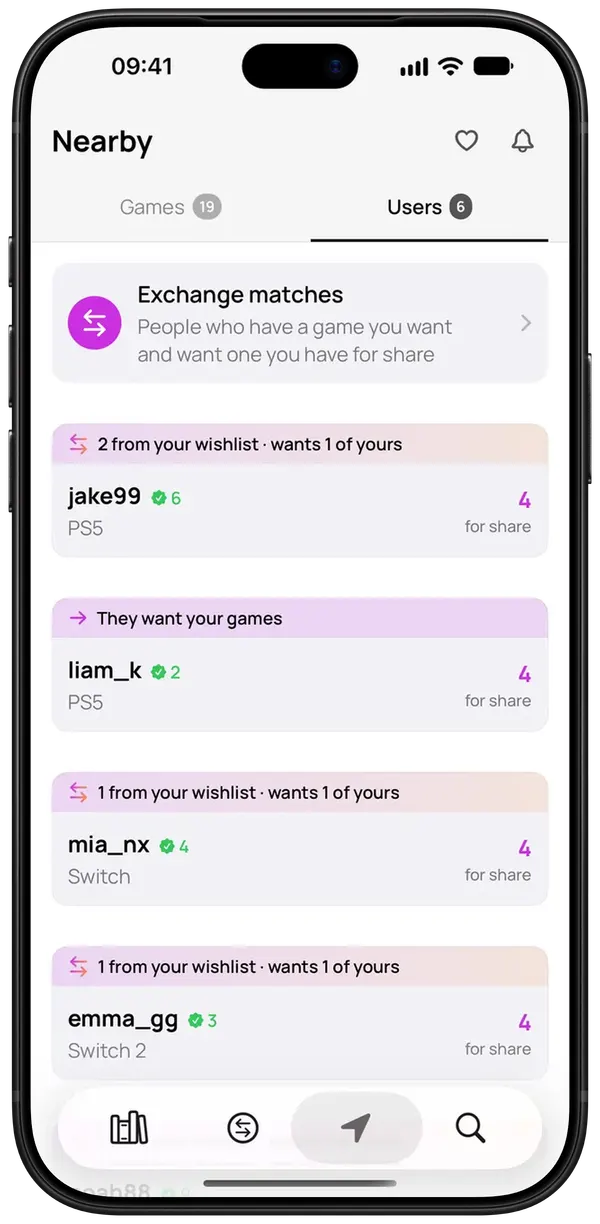
The app finds people nearby whose up for swap shelf has something from your wishlist — and who’d love something from yours. Everyone walks away with a new game.
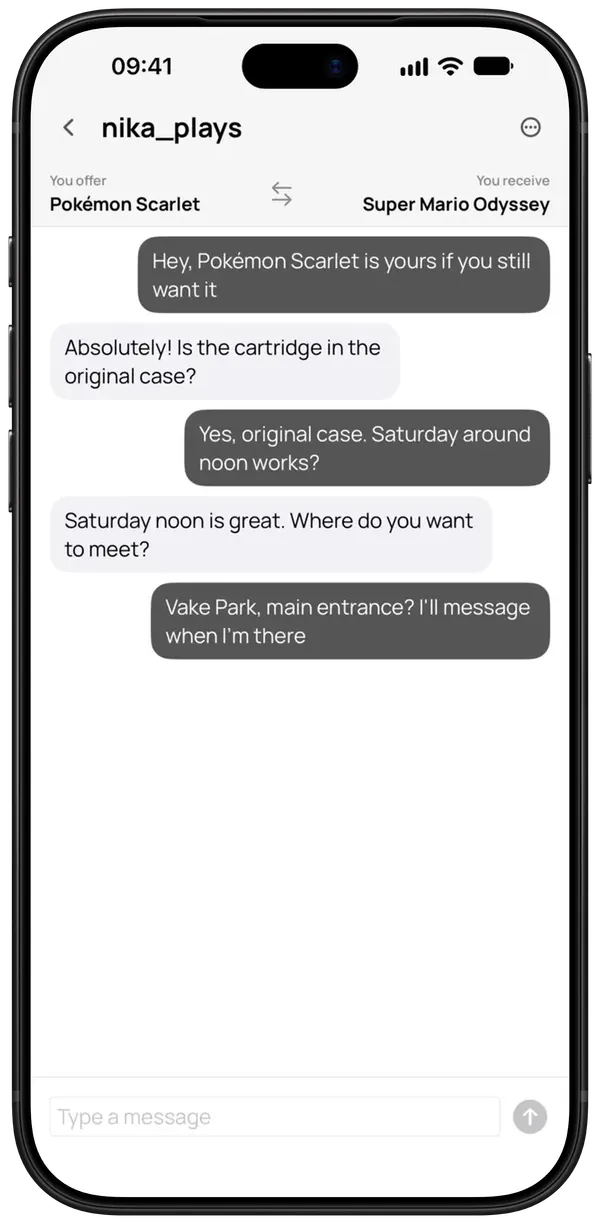
Offer one game or a few, make a counter-offer, or add a little cash to even things out. Pick a spot to meet in the chat — and enjoy your new game.
How to use iPhone screenshots Android screenshots Website screenshots Browse games up for swap